
The Best Client Intake Apps for Salons (2026 Buyer’s Guide)

- The Best Scheduling App for Estheticians in 2026 - September 1, 2026
- The Best Client Intake Apps for Salons (2026 Buyer’s Guide) - July 27, 2026
- How to Increase Rebooking at Hair Salons: 5 Strategies from a Salon Owner - June 12, 2026
I’m a hairdresser and salon owner who’s spent more than 15 years in this industry, and I want to tell you about one day that permanently changed how I think about client intake.
A client was booked for a relaxer service at a salon where I was employed. The stylist scheduled with her that day didn’t have her fill out any paperwork before getting started. By sheer luck, another stylist walked by and remembered that this client had very recently had a lightener service.
You see, the client had since colored over the bleached sections, so there was no immediate visual cue that something was off! And if that relaxer had gone on, the outcome would have been severe breakage, a potentially significant lawsuit, and very possibly the end of that salon.
This kind of thing happens more often than people realize, and almost always for the same reason: intake forms get skipped, misfiled, or never make it back from the client in the first place.
The good news is that digital intake solves this problem, but only when you choose software built with the right features for how your salon actually operates. That’s exactly what this guide is for.
I’ve broken down the best client intake apps for salons, from basic booking tools with light intake functionality to platforms built specifically for beauty industry workflows. By the end, you’ll hopefully know exactly which one fits your team, your business model, and your budget.
What to Look for in a Salon Intake App
Before we get into the platforms, I want to be clear about what I evaluated with each one, because not all digital intake tools are built the same.

Form Builder Depth
Can you build service-specific forms, or are you stuck with one generic template for everything? And do you have control over field types like multiple choice, or are you limited to free-text responses across the board?
Consent Capture
Can clients sign digitally, and where does that signed consent live? A consent form attached to a single appointment is useful, sure, but one that lives in the client profile and is accessible at every future visit is a completely different level of protection.
Booking Flow and Profile Integration
Are forms triggered automatically when a client books, or does your team have to send them manually? And when a client submits their intake, does that data flow into their profile, or does it disappear somewhere you’ll have to hunt for later?
When you evaluate apps based on these criteria, you’ll quickly start to notice which tools were built with intake as a priority, and which ones added it as an afterthought.
1. Boulevard
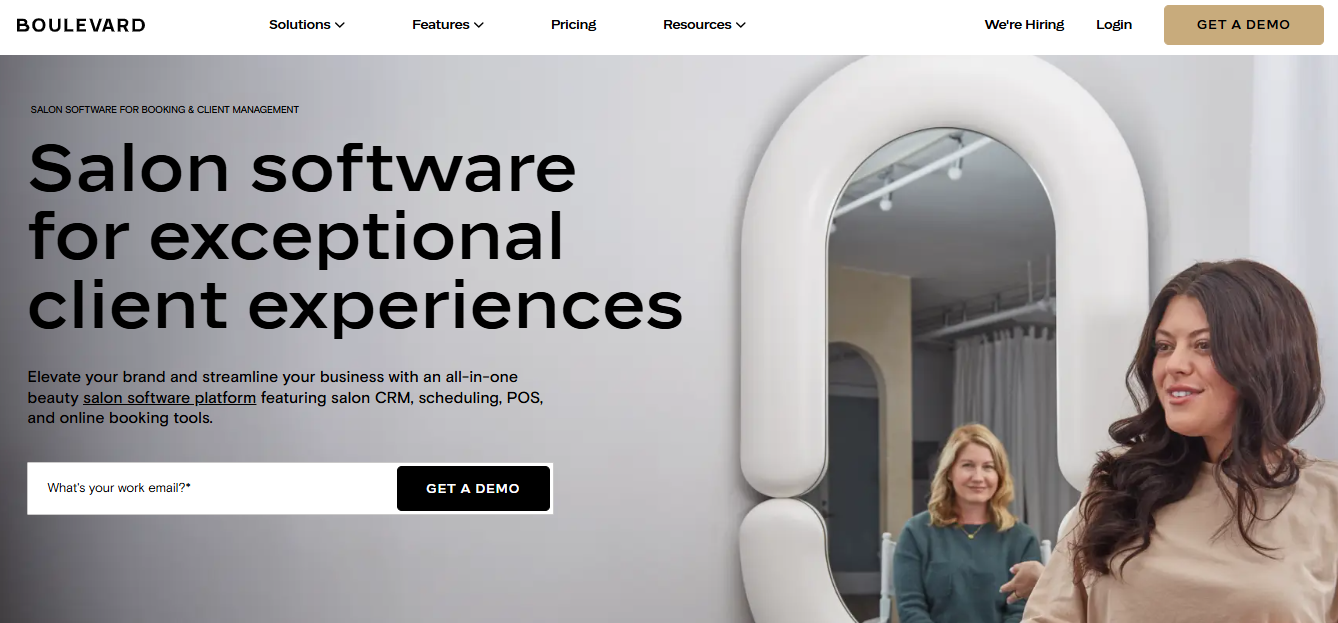
I was surprised to find that so many platforms treat forms and client intake as optional, or “nice to have.” But as beauty professionals, we know that this process is what protects us and our clients.
So, what I love about Boulevard is that the creators literally designed it while working shoulder-to-shoulder with real salon owners like you and me. When you use Boulevard, you can see that attention to detail throughout the platform.
But first things first, Boulevard’s Forms and Charts feature is an add-on for the Essentials and Premier tiers, at $65 per month per location. On Prestige, which has a base price of $410 per month, it’s included.
The form builder is drag-and-drop, fully custom, and also includes templates for you to start with. From there, you build patch test waivers, color history questionnaires, minor consent forms, or anything else you need. The builder gives you full control over the types of answers too.
But what really sets Boulevard apart from other intake apps is the trigger logic.
You define the rules for when each form goes out, whether to all new clients, to anyone booking a color service for the first time, or to clients whose intake hasn’t been updated in a set period. Completed form data flows directly into the client profile and into your reporting!
While the price makes Boulevard the most premium platform in this guide, it’s also the most intuitive and customizable.
Pros:
- Customizable automations always send the right form to the right client without you managing the process
- Completed data is automatically added to the client profile and any reports you pull
- Fully custom drag-and-drop builder with no limits on form type or structure
Cons:
- Forms and Charts is a $65 per month add-on for the Essentials and Premier tiers
- Starting at $176 per month, Boulevard carries the highest base price on this list
- No free trial; a demo call with the sales team is required before access
Best For: Established salons with three or more providers who want intake to be an automatic, but still 100% customizable, part of their booking and client management system.
2. Acuity Scheduling
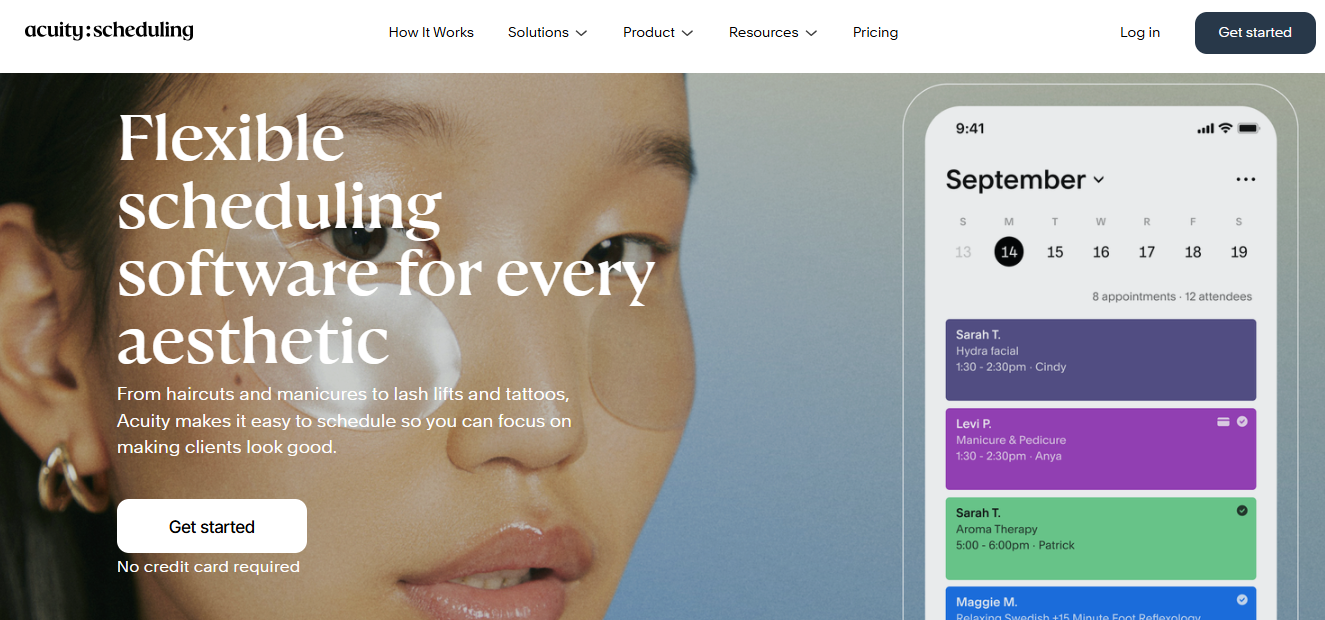
Acuity is a general-purpose scheduling platform, not a salon-specific one, but it offers some seriously useful intake form functionality for a very low price.
Forms are included on the Starter plan at $20 per month! As for client answers, you can set up each form to include text boxes, drop-downs, and yes/no questions. Even better, e-signatures are included here.
Lastly, when a client completes a form, it attaches to both the specific appointment and their client profile. To me, this makes Acuity a little bit better of a fit than Square, and it’s also very affordable.
The limitation that salon owners consistently run into is tied to how Acuity links forms to specific services.
You see, you can’t tell Acuity to send one form for first-time color clients and a different form for returning clients. Instead, you need to create two separate services in Acuity. For any service where you want new clients to answer different questions than returning clients, you’ll have to do this work.
Technically, this approach works, but it creates so much extra administrative work for you.
Pros:
- Intake forms included on the Starter tier at no additional cost
- Completed forms attach to both the appointment and the client profile
- Multiple form answer options, including multiple choice, yes/no, and text
Cons:
- New-vs-returning client workaround doubles how much setup work you have to do
- More initial setup and ongoing maintenance than what’s offered by higher-end platforms
- Not built for salon-specific intake workflows
Best For: Solo stylists and very small salons on a budget who want intake included without paying extra, especially those with a shorter service menu where the mandatory new-vs-returning workaround stays manageable.
3. GlossGenius
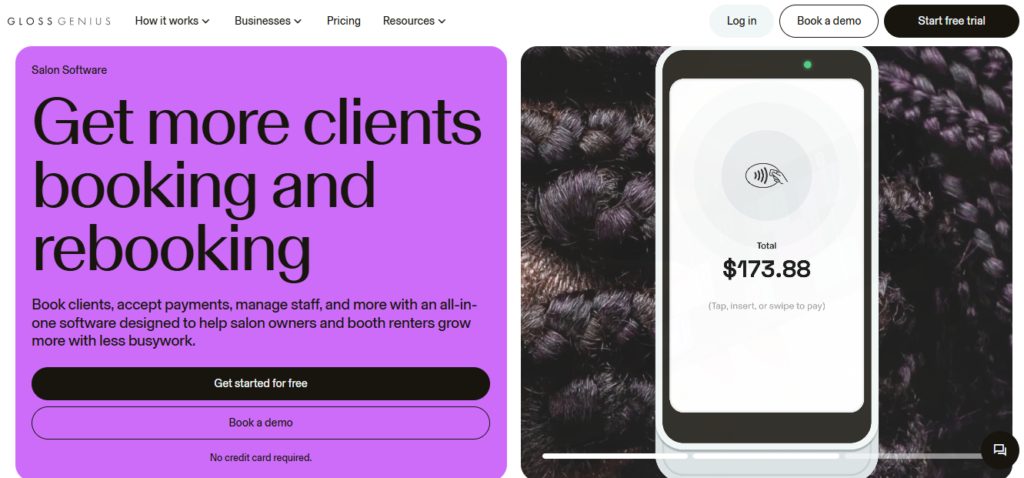
GlossGenius is one of the most loved platforms in the beauty industry. It’s polished, intuitive, and the client-facing experience reflects well on your brand. But there’s an intake detail that catches people off guard, and I want to be upfront about it before we go any further.
Forms and Waivers are not available on the Standard tier at $28 per month. If you want these features, you’re required to upgrade to the Gold plan at $56 per month.
But once you’re on Gold, the experience is well-designed.
The Smart Form Builder adapts based on your service type, so a color consultation questionnaire can easily be configured differently from your standard haircut intake.
Responses are instantly linked to the client’s file, and you can pin specific answers, like known allergies, directly to the client profile for quick reference before every future visit! E-signatures are also supported so you can manage consent easily.
The biggest drawback here is the answer fields. You can’t create multiple-choice questions, yes/no questions, or drop-down options, which can result in forms that clients find a little overwhelming.
Pros:
- Adaptive Smart Form Builder tool saves time on form creation
- Completed forms visible in the booking view before your client arrives
- Pin important answers to the client profile for quick reference during future visits
Cons:
- Gold at $56 per month is the minimum required tier to access intake forms
- You also can’t get intake forms as an add-on with Standard; you have to upgrade to Gold
- Answer fields are free-text only; you can’t create multiple-choice or yes/no questions
Best For: GlossGenius users who are either already on Gold or planning to upgrade, as well as stylists who want a simple, polished intake experience with a minimal learning curve.
4. Vagaro
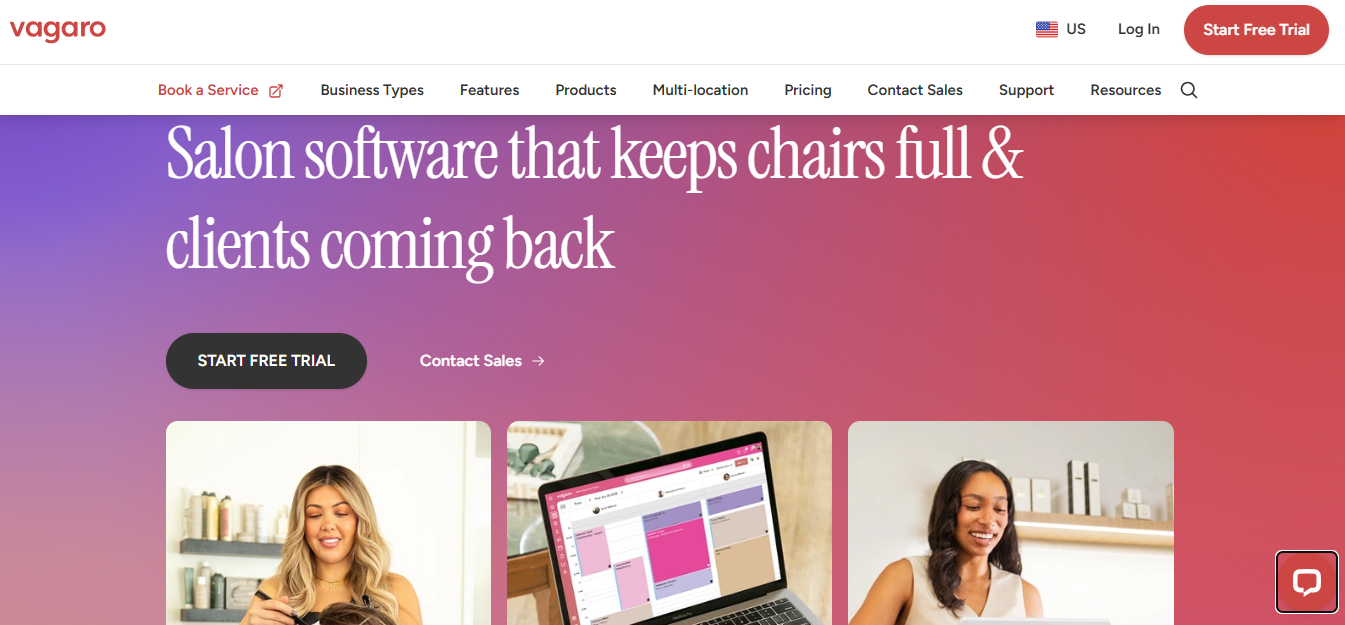
Vagaro is well-known for many reasons, and I would say its digital forms add-on is one of the better intake options on this list. At $10 per month on top of the base subscription, it’s one of the more affordable ways to get serious form functionality!
The form builder here offers very flexible answer types, including multiple choice, short answer, and drop-down lists.
You can build from scratch, choose from templates like new client intake and liability waivers, or import an existing paper or PDF form directly, which saves significant setup time if you’ve already done this work on paper.
I also love that you can set expiration dates, which means clients are automatically prompted to refresh their information after a set period.
The one downside here is that Vagaro is a bit infamous for all of its add-ons. If you also need text marketing or payroll, you’ll be paying a high monthly premium. At that point, your money would likely get you more value with a different platform.
Pros:
- Import existing PDF forms to skip rebuilding from scratch
- Make answers on your forms multiple choice, yes/no, or free text entry
- Expiration dates automatically prompt clients to update their forms over time
Cons:
- Platform interface can feel cluttered compared to newer alternatives
- $10 per month add-on on top of your existing Vagaro subscription
- Two-way texting for form follow-up is a separate additional cost
Best For: Small to mid-size salons already on Vagaro or actively considering it, who want flexible, service-linked intake at a modest additional cost.
5. Mangomint
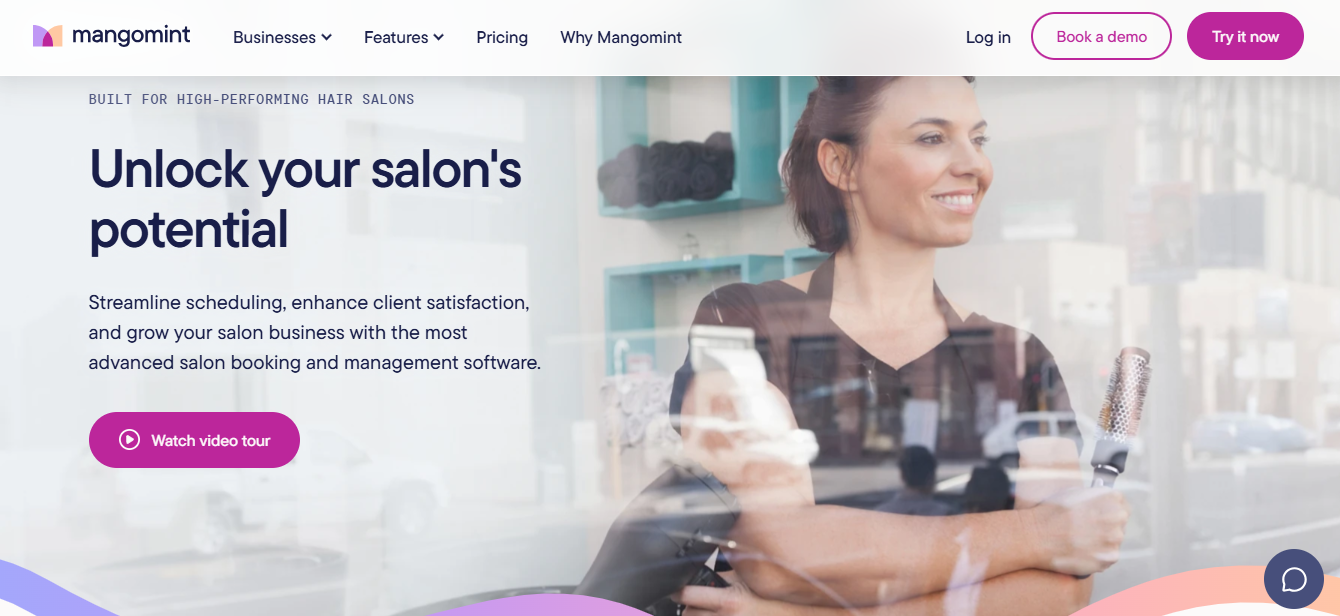
Mangomint is built for lean, two-to-twenty-provider teams, and its forms add-on is one of the more sophisticated options I’ve used. At $50 per month, it’s also the most expensive add-on in this guide.
So, what do you get for that $50 per month, on top of your monthly base price? You can create fully custom intake questionnaires and consent waivers. Forms can be sent via text, email, or by adding a link on your website, such as for stylist job applications.
I haven’t seen another platform that lets you send forms to non-clients like this! You can create a form, share it as a standalone link, and distribute it anywhere.
Think membership agreements, anything requiring a client signature outside the booking flow, or any document you want to collect independent of a scheduled appointment.
And if a client shows up without completing their intake, the Waiting Room resend feature lets you send them a link on the spot. Completed forms are stored in the client profile.
Pros:
- Automated notifications when specific forms or responses come in
- Shareable external link allows you to create employment applications and more
- Waiting Room feature handles last-minute form completion without disrupting your schedule
Cons:
- Forms and waivers are a $50 per month add-on, which is very high
- Base platform starts at $165 per month and isn’t designed for solo stylists
- HIPAA compliance requires upgrading to the Standard plan and contacting Mangomint
Best For: Two-provider teams and growing salons who want a somewhat customizable intake experience but aren’t yet ready for a true, end-to-end, all-in-one platform.
6. Square Appointments
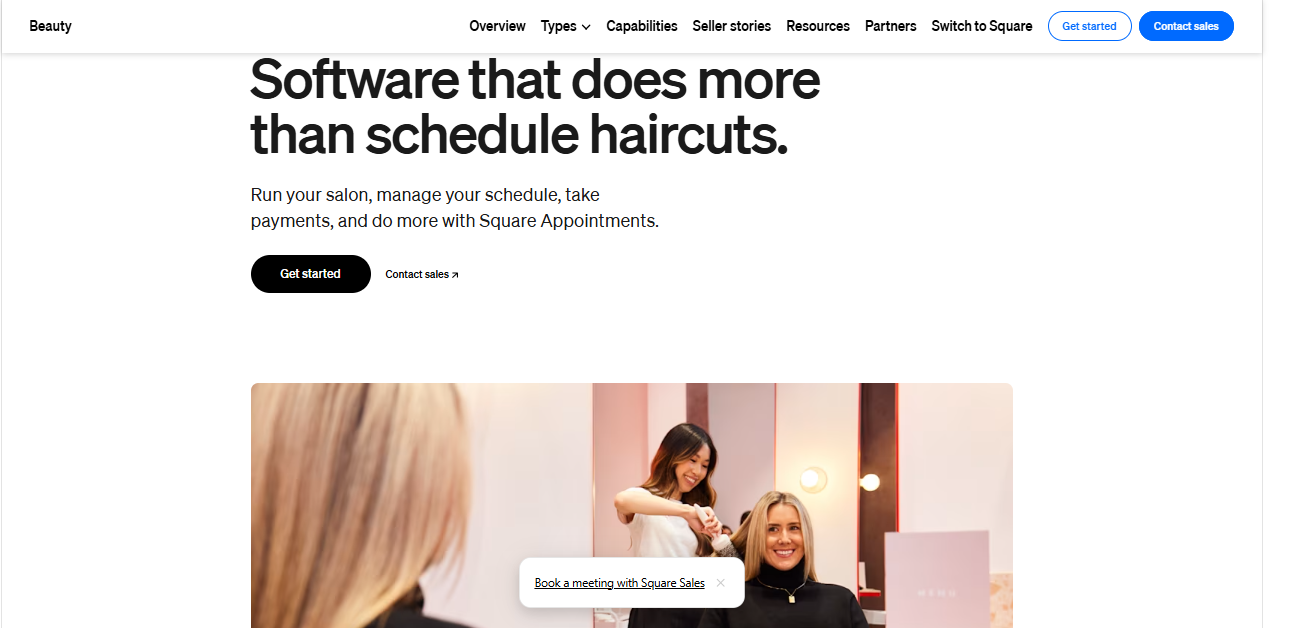
Square is likely the most recognized name on this list! But to be frank, this app is also the most limited when it comes to client intake. It does have some form functionality though, which makes it a potentially smart choice for new stylists who are still finding their footing.
On the Free tier, you can build consent forms from scratch or choose from standard templates like service agreements and credit card authorizations.
Signature fields are also available at no cost, which means basic consent capture is accessible even without a paid subscription!
The limitations show up in how forms connect to the rest of your workflow. Free users can’t attach forms to specific appointments, so someone on your team (or you yourself) has to manually audit the books and send forms ahead of time.
Completed forms also don’t live inside the client’s profile. They land in a Contracts section instead, which means you’re always hunting for them when a returning client rebooks.
Pros:
- No monthly subscription cost to get started
- E-signature capability available on the Free tier
- Standard templates cover basic liability and service agreement formats
Cons:
- Completed forms live only in a Contracts section, not the client profile
- Auto-send at booking requires upgrading to Plus at $49 per month
- No salon-specific templates, designs, or automations
Best For: Solo stylists on a fairly tight budget who need basic consent capture, and who have a small enough clientele that the lack of auto-syncing with client profiles isn’t a major bottleneck.
Choosing the Right Client Intake App for Your Salon
The biggest thing to remember here is that even if client intake is a major hassle on a daily basis, that’s not the only thing worth considering when choosing an app! You have to also think about:
- Team size (both now and over the next 12 months)
- Your budget (and if automatic intake is worth the cost)
- Whether you want to leverage this intake data to make business decisions, or if you’re just looking to simplify your daily operations
If cost is the primary driver, Square does at least let you collect e-signatures on the free tier, which is a great starting point. Acuity also offers several powerful intake features at the Starter tier with no add-on cost, and Vagaro’s $10 per month add-on gives you a bit of customization at a low price.
GlossGenius gives you a little bit of AI functionality with their Smart Form Builder, but overall keeps it simple, which makes it a great fit for newer salons that are still finding their footing. Mangomint gives you a little more than GlossGenius in the way of customization, but still prioritizes simplicity above all else.
If you plan to grow your salon and truly maximize every revenue opportunity, but also want smart automations and minimal manual work on your end, Boulevard is the true all-in-one solution designed for exactly that trajectory.
From here, book demos with your top two options and bring copies of your current forms with you. During each demo, ask to see exactly where a completed intake form lives after a client submits it. The answer to that question alone will tell you quite a bit about which client intake app for salons is truly the best fit for both where you are now and where you’ll be a year from now!