
The Best Scheduling App for Estheticians in 2026

- The Best Scheduling App for Estheticians in 2026 - September 1, 2026
- The Best Client Intake Apps for Salons (2026 Buyer’s Guide) - July 27, 2026
- How to Increase Rebooking at Hair Salons: 5 Strategies from a Salon Owner - June 12, 2026
If you’re still managing paper intake forms, tracking memberships in a spreadsheet, or wondering why it’s so hard to stay on top of your calendar, the right scheduling app solves most of these headaches!
However, finding the right option is a more complex decision than you might anticipate. Most scheduling software wasn’t built with esthetics in mind, so the handful of features your practice actually depends on end up scattered across tiers and add-ons that the base pricing never reveals.
With that in mind, this guide covers the five best scheduling apps for estheticians right now, from the lightest and most budget-friendly options to the most comprehensive platforms available.
What Estheticians Need Most in a Scheduling App

The software needs of an esthetics practice differ from other beauty businesses in some important ways. You’re working on skin, and whether you’re on your own or running a room or two, everyone on the payroll is a practitioner.
That narrows it down to four non-negotiables:
- Digital intake collected before arrival: A client on prescription retinoids shouldn’t be getting a chemical peel without someone knowing first, and that has to be in their profile before they’re in the chair.
- Recurring revenue that runs without you: Membership facials and multi-treatment series are the most reliable income in esthetics, but only if billing and session tracking are automated.
- Booking that works when you don’t: No one can answer the phone mid-treatment, so clients need to be able to schedule from your site, Instagram, or Google at any hour.
- Software that covers the front desk you don’t have: Reminders, deposits, and rebooking prompts have to fire on their own, because for solo estheticians and small teams, there’s no receptionist to catch a no-show or chase a payment while your hands are busy.
Everything else is a bonus. If a platform can’t cover those four, it can’t run an esthetics practice — no matter how good the rest of it looks.
The Best Scheduling App for Estheticians: At a Glance
| Price | Intake Forms | Packages/Memberships | Best For | |
| Square | Free; Plus at $49/month | Available on all tiers; auto-send on Plus | Packages on Plus only; no membership functionality | New estheticians on a budget |
| PocketSuite | $49.99/month | Included; ASCP templates pre-loaded | Included in base price; can only be configured via app | Mobile-first practices |
| GlossGenius | $28/month; Gold at $56/month | Gold required | Included in base price; somewhat customizable | Branding-focused estheticians |
| Vagaro | $23.99/month + $10/month add-on | $10/month add-on; multiple question types | Included in base price; can include products and services | Clientele-building estheticians |
| Boulevard | $195/month | $65/month add-on; auto-send included | Included in base price; automated with customizations | Growth-focused estheticians |
Keep in mind that these prices reflect what a single practitioner pays. Every platform on this list charges more as you add staff or calendars, so if you’re already a team of two or three (or expect to be soon), confirm the per-practitioner rate before you commit to anything.
Square Appointments
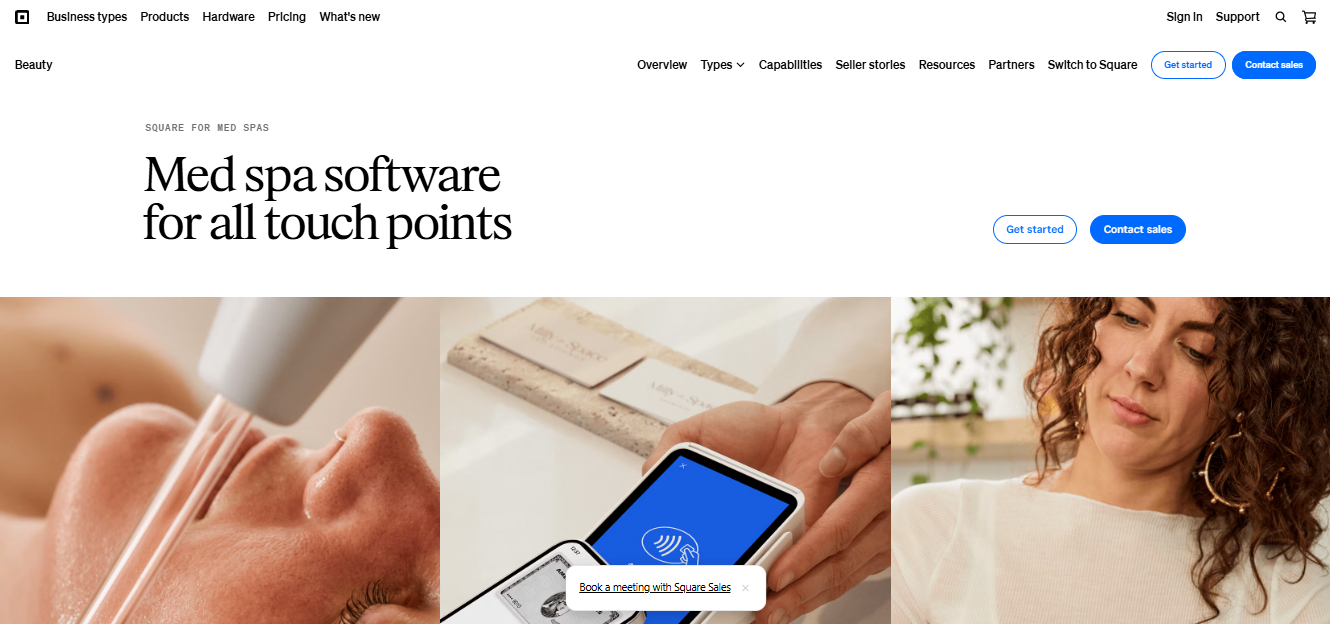
Having started as a payment platform, Square now offers a scheduling tool as well.
For a brand-new esthetician who needs a zero-cost starting point, the free tier gives you online booking, client profiles, and Square’s trusted payment processing — all without a monthly subscription. It’s a very useful package for a practice that’s still finding its footing, and the setup takes an afternoon rather than a week. So if your immediate problem is that you have no way to take a booking or a card payment, Square solves it today for nothing.
The free tier starts to show its limits as your needs get more specific: Intake forms are available at no charge, but they won’t auto-send when a client books, and completed forms are saved in a Contracts section rather than the client profile. Upgrading to Plus at $49/month adds auto-send, but note that the forms still won’t be added to client profiles.
Also, keep in mind that Packages (which are your only recurring revenue option since Square has no membership features) are also locked to the Plus tier and above. If your business runs on monthly facials or a multi-treatment skin series, you’ll need to spring for a paid package.
Pros:
- Fast setup and a short learning curve
- The free tier covers online booking and payment processing with no monthly subscription required
- Clients already recognize Square at checkout and are comfortable paying at Square terminals
Cons:
- Packages, your only recurring revenue tool, require upgrading to Plus at $49/month
- Completed forms land in a Contracts section and don’t attach to the client profile, so they’re difficult to reference at future visits
- No esthetics-specific form templates, workflows, or features built for this specific business/industry
Best For: Brand-new estheticians and newly opened studios that need a no-cost way to take bookings and payments immediately, and plan to move to a more specialized platform as their clientele grows.
PocketSuite
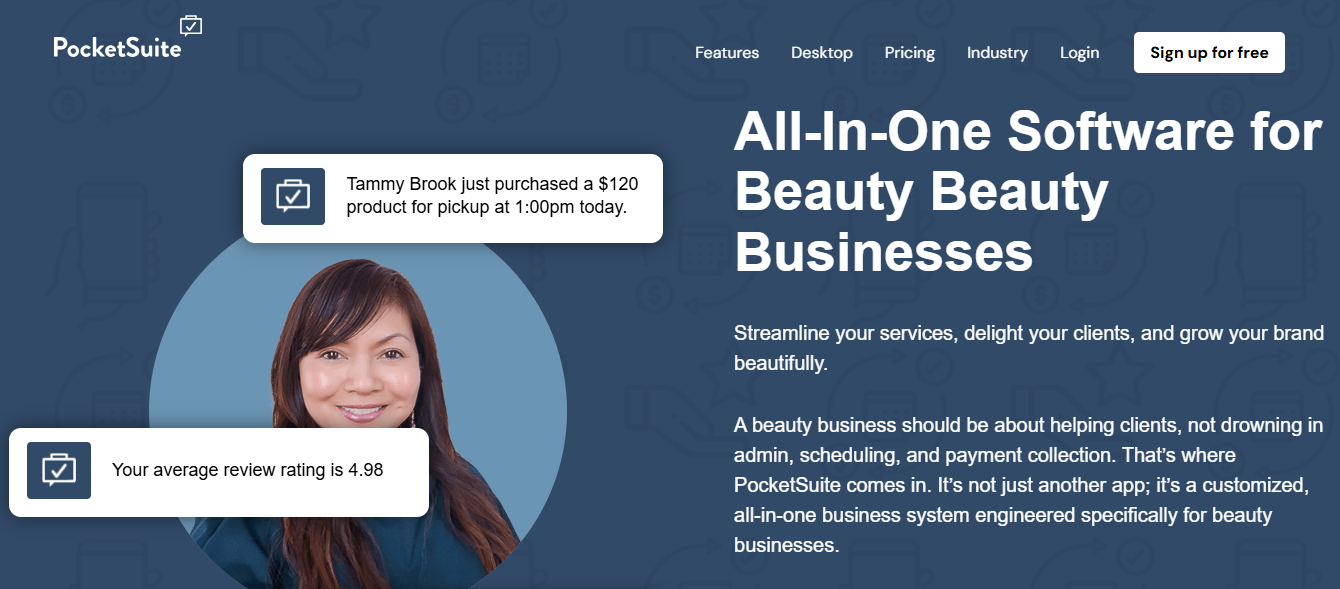
PocketSuite is a mobile-first scheduling platform built primarily for independent service professionals, and a lot of estheticians swear by it. This is due in part to their active partnership with ASCP.
For ASCP members, PocketSuite’s esthetician setup comes pre-loaded with intake form templates, including for new client skin analysis, waxing consent, and general intake — all of which will save you a good chunk of setup time compared to starting from a blank page.
Packages can be listed on your booking site so clients purchase a treatment series directly, and subscriptions auto-renew at whatever billing cadence you set.
The biggest constraint to know is that PocketSuite is fully mobile-focused, which means building and editing forms happens on your phone or tablet, not in a desktop browser. There’s also no consumer marketplace for new client discovery, so you’ll be driving traffic to your booking link through your own channels.
For pricing, the Solo Pro plan runs $49.99/month and bundles online booking, forms, packages, and subscriptions into one price with no add-ons required.
Pros:
- Forms, packages, and subscriptions are bundled into the $49.99/month plan with no add-ons required
- Pre-loaded ASCP esthetician templates include a skin analysis form and waxing consent form ready to customize
- A dedicated business phone number comes included, keeping personal lines out of client conversations
Cons:
- Most of the platform is mobile-only; there’s no desktop option for building or editing intake forms
- No consumer marketplace for new client discovery and very few marketing tools
- Payment verification delays and text-based-only support are recurring frustrations for many users
Best For: Estheticians who want forms, packages, and recurring memberships for one simple price, and have no qualms with running the business 100% from a phone or tablet.
GlossGenius
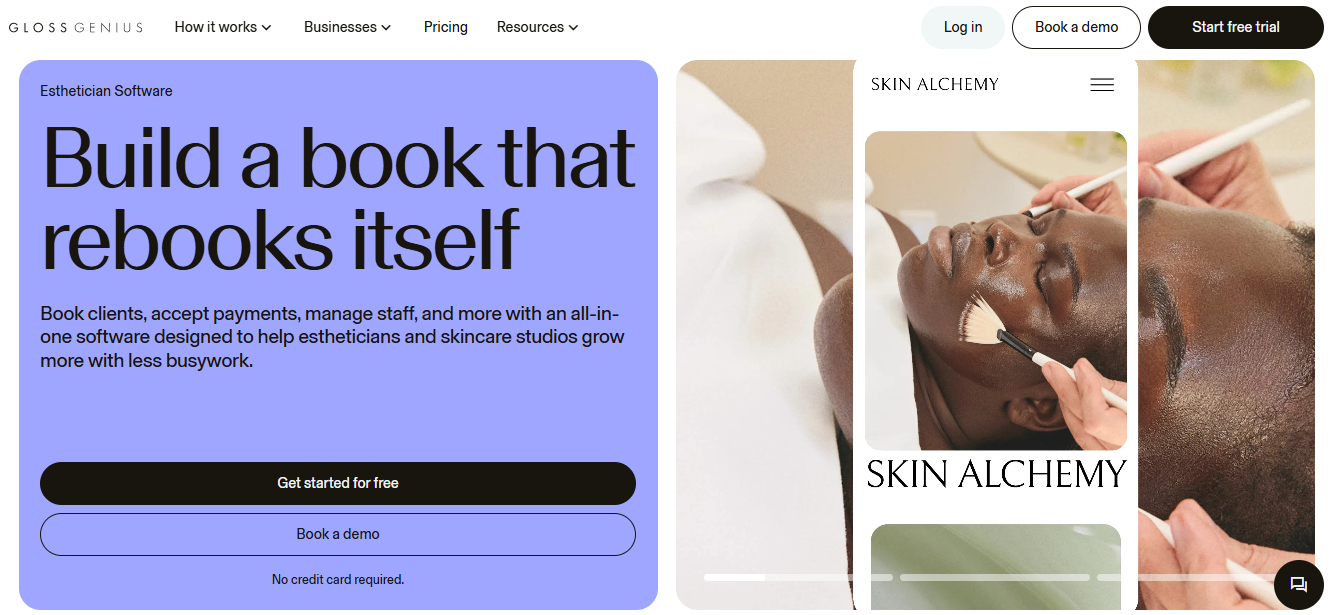
GlossGenius has built a devoted following in the beauty industry, and its appeal to estheticians is easy to see. The platform is beautifully designed, the client-facing booking experience feels polished, and the flat 2.6% processing rate on all transaction types means no fee surprises based on how your clients pay.
The Standard plan at $28/month includes online booking, automated reminders, a customizable booking site, and both memberships and packages from the base tier. However, intake forms and waivers require upgrading to Gold at $56/month, which includes a smart form builder that adapts to your service types and lets you pin key answers (like known allergies) directly to the client profile for easy reference at future visits.
GlossGenius also requires that any membership price falls below the total à la carte cost of included services. For a standard monthly facial membership, this works fine. But for credits-based memberships or value-add bundles that don’t discount services directly, you’ll hit a wall. And once a client is active on a plan, changing its core terms requires canceling and rebuilding the whole thing from scratch.
Pros:
- Flat 2.6% processing on all transaction types with no hidden fees
- Memberships and packages are available starting on the base $28/month Standard plan
- No-login booking that looks polished and reflects well on your brand from the first click
Cons:
- Intake forms require upgrading to Gold at $56/month
- Membership pricing must fall below the à la carte total; you can’t choose a different pricing structure
- Changing an active membership plan requires canceling and rebuilding it from scratch
Best For: Estheticians who put their branding above all else and want memberships included at an accessible starting price.
Vagaro
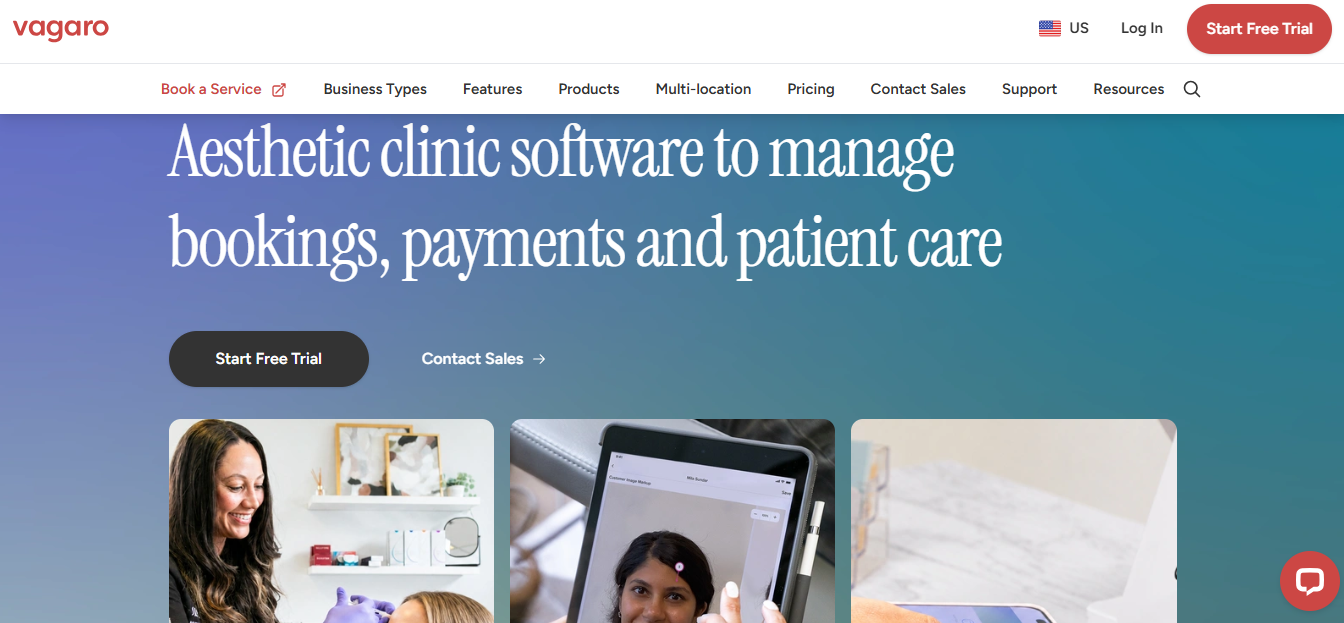
Vagaro is a powerful choice because it gives you ways to bring in recurring revenue without paying for an add-on. Its biggest selling point is its marketplace, which lets potential clients find and book your services with no commissions. Just note that boosting your business to the “Featured” section is 20% for every new customer and 5% for every returning customer.
Besides discovery, Vagaro’s form builder is surprisingly capable. While there are no esthetics-specific form templates included, the AI scanner can reproduce an existing paper or PDF form digitally, which saves quite a bit of time.
Vagaro starts at just $23.99/month for one bookable calendar and includes both packages and memberships in that base price from day one. Clients can purchase a treatment series or sign up for a monthly membership directly through your online booking flow with no additional configuration required.
However, be aware that intake forms are a $10/month add-on, bringing the realistic monthly cost to $33.99 for most single practitioners. And because pricing is tied to bookable calendars, adding a second provider raises the base subscription, so it’s worth pricing out your full team before you sign up.
Pros:
- Memberships and packages are included in the $23.99/month base price with no upgrade required
- Form builder supports multiple question types; PDF import via AI saves you considerable setup time
- Commission-free Vagaro Marketplace drives new client discovery at no extra cost
Cons:
- Intake forms are a $10/month add-on, not included in the base subscription
- No esthetics-specific form templates; you’ll build from scratch or import your own existing documents
- The interface is clunkier than newer platforms, and it has fairly frequent stability issues
Best For: Estheticians who want memberships, packages, and marketplace exposure at the most accessible combined price on this list, and are still actively building their client base.
Boulevard
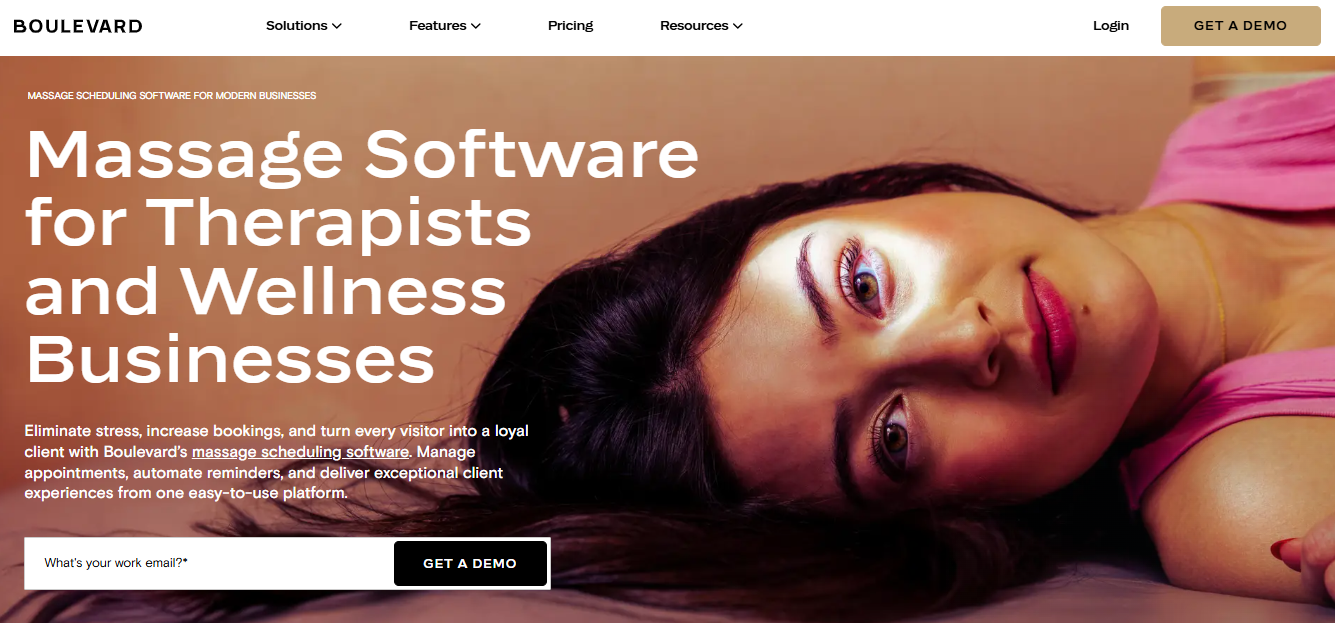
Boulevard was built specifically for the beauty industry, rather than being retrofitted from tools designed for other businesses.
Two-way texting is where you’ll notice that difference most immediately. Client conversations live inside the Boulevard dashboard, attached directly to the client profile, and when a client texts about an add-on for their upcoming appointment or needs to reschedule, that message becomes part of their permanent record — not something buried in a personal text thread alongside everything else. For a team, that also means the conversation is visible to whoever is actually treating that client, rather than sitting on one person’s phone.
Its Precision Scheduling handles your calendar optimization automatically, highlighting appointment times that make the most efficient use of your day.
Forms and Charts is a hefty $65/month add-on, but what it buys you is workflow logic you set up once: This intake form goes to every new client booking a chemical exfoliant, that waiver attaches to every first-timer regardless of service; from then on, the right form reaches the right client automatically, and responses save to both their profile and your reporting.
The catch is the price. Boulevard starts at $195/month, and adding Forms and Charts puts the realistic monthly cost at $260. That’s roughly five times what Vagaro runs with its forms add-on, for automation you may not need until your calendar is consistently full. There’s also no free trial to test that for yourself, so evaluating it means sitting through a demo call with the sales team first.
Pros:
- Two-way texting lives inside client profiles so every conversation is permanently part of their record
- Precision Scheduling suggests optimal appointment times automatically, reducing calendar gaps without manual oversight
- Form triggers that you create send the right intake to the right client, with responses saved to their profile and appointment
Cons:
- Forms and Charts is a $65/month add-on on top of the base subscription cost
- At $195/month to start ($260 when factoring in the forms/charts), Boulevard is the highest price point on this list by a significant margin
- There’s no free trial; getting started requires a demo call with the Boulevard sales team
Best For: Growth-focused estheticians and small teams who want intake, scheduling, and client communication handled at a deep level.
Picking the Best Scheduling App for Estheticians
To choose not just the best scheduling app for estheticians, but the best one for your business, focus first on where you are today and where you’re headed:
- Square is the clear choice if you need a truly no-cost starting point.
- PocketSuite bundles forms and memberships, and does so at a mobile-friendly price.
- GlossGenius is a small step up in terms of features and is the simplest way to give your business a polished, sleek feel.
- Vagaro gives you not just memberships, but also a commission-free marketplace at a very accessible price.
- When you’re ready for intake automation, intelligent scheduling, and two-way client communication running from an all-in-one platform, that’s where Boulevard fits.
No matter which platforms speak to you most, I encourage you to book demos with your top two choices and bring not just a list of your specific needs, but also a copy of one of your current intake forms. How each platform handles those needs and importing that form will likely give you a good idea of which option is right for you!